Tokens are used in the Polyverse to perform on-demand processing.
¶ Acquiring Tokens
Depending on your Digital Assest Management subscription, it may include monthly free and complimentary tokens that will be reupped to the maximum budget at the beginning of each month. Complimentary tokens included in your subscription will not carry over to the next month, so it's best to spend them!
In addition to complimentary tokens, you can buy pre-paid tokens. Unused pre-paid tokens will roll-over to the next month if unused.
Polyverse is currently in Early Access and tokens can not be acquired yet. To get additional tokens, please contact your account manager.
¶ Pay-as-you-go
You can also setup pay-as-you-go billing for your token usage. At regular intervals, you will be invoiced based on the number of tokens used in the previous billing period.
Pay-as-you-go billing combined with spending token budgets is a great way to have full control over your spending while minimizing administrative overhead.
Polyverse is currently in Early Access and pay-as-you-go has not been rolled out.
¶ Spending Tokens
Tokens can be spent on any of the Polytrons available in the Polyverse.
Everytime you start a Polytron, the cost is at least 3 Tokens which will include a runtime of 15 seconds. Once the initial budget has been consumed, one token is spend for each addition 5 seconds of compute.
¶ Token Budgets
Token limits can be setup in your account settings and select Token Budgets.
To get started, enable Token Budgets and setup the budget period, and the number of tokens that can be spent within that period.
Token budgets apply to all Token uses under your account, including API keys.
¶ Checking In
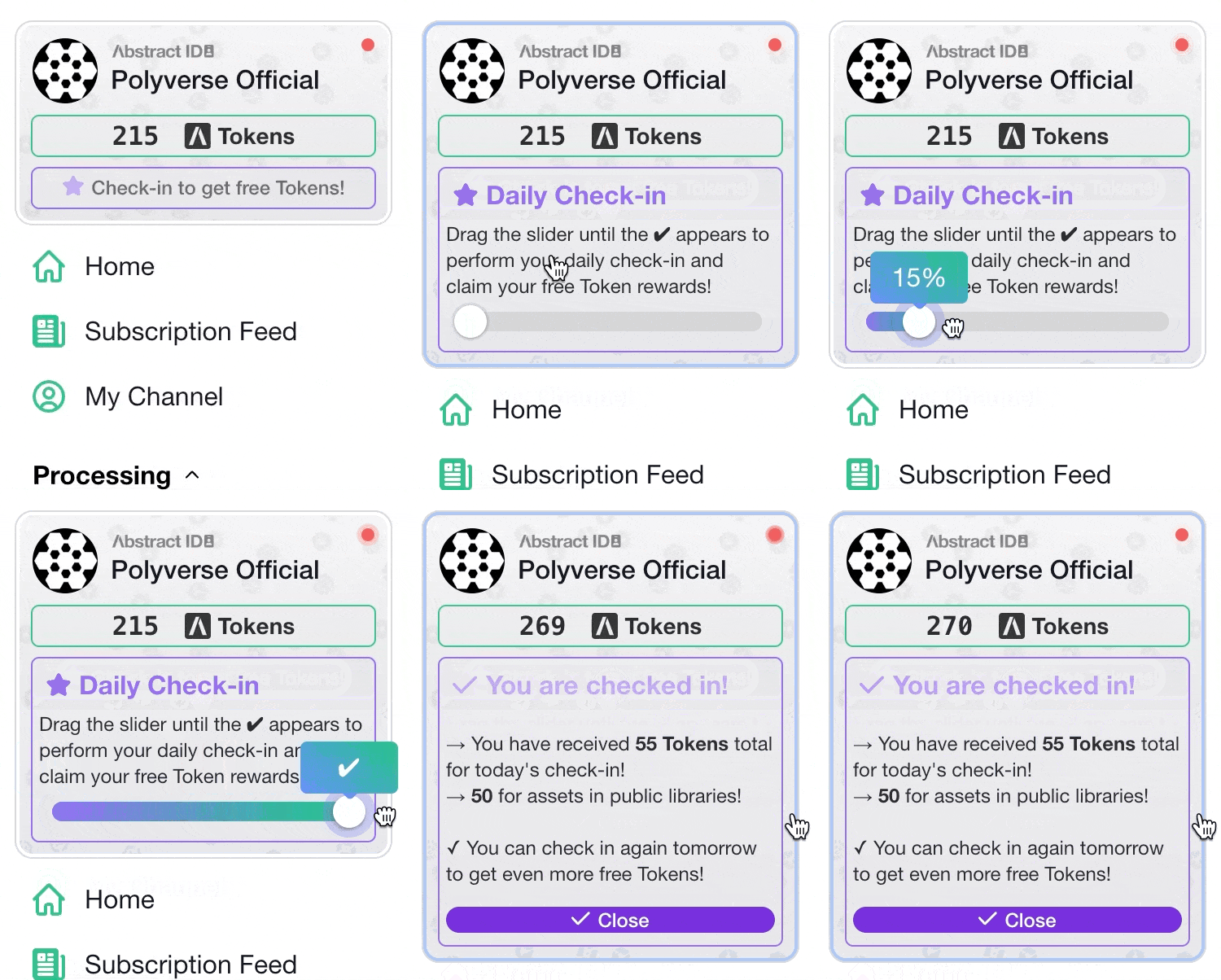 You can receive free tokens by checking in daily to Polyverse using the slider in the compact Abstract ID card in the sidebar.
- Check in daily to recieve free tokens.
- Get more tokens for each check-in by uploading assets to public asset libraries.
- Check in weekly to recieve a bonus 50 tokens every week.
¶ Fixed Price Polytrons
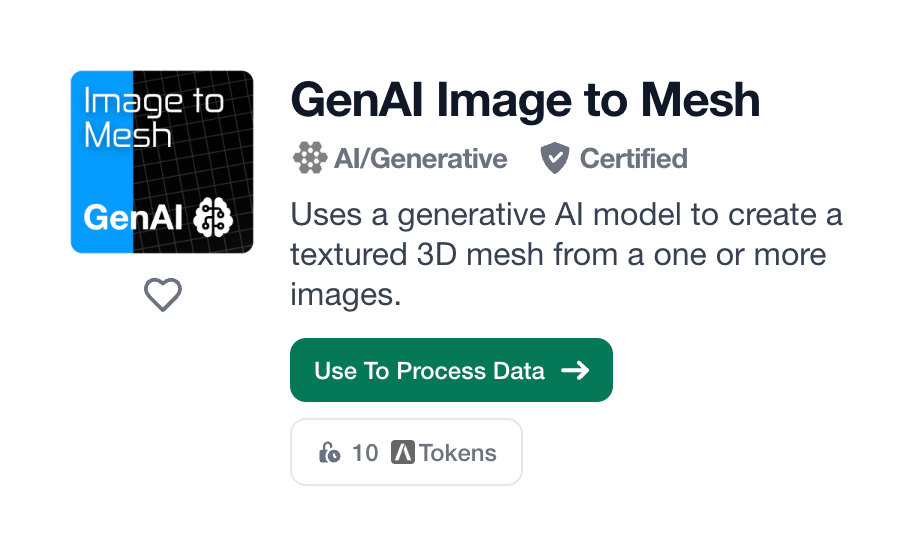 Fixed price Polytrons execute at their predetermined price regardless of processing duration. You are only charged the designed token amount when the Polytron is used to process data.
A fixed price Polytron displays its token cost in the Process Data page and on the green Process button at the bottom of the Polytron configuration screen.