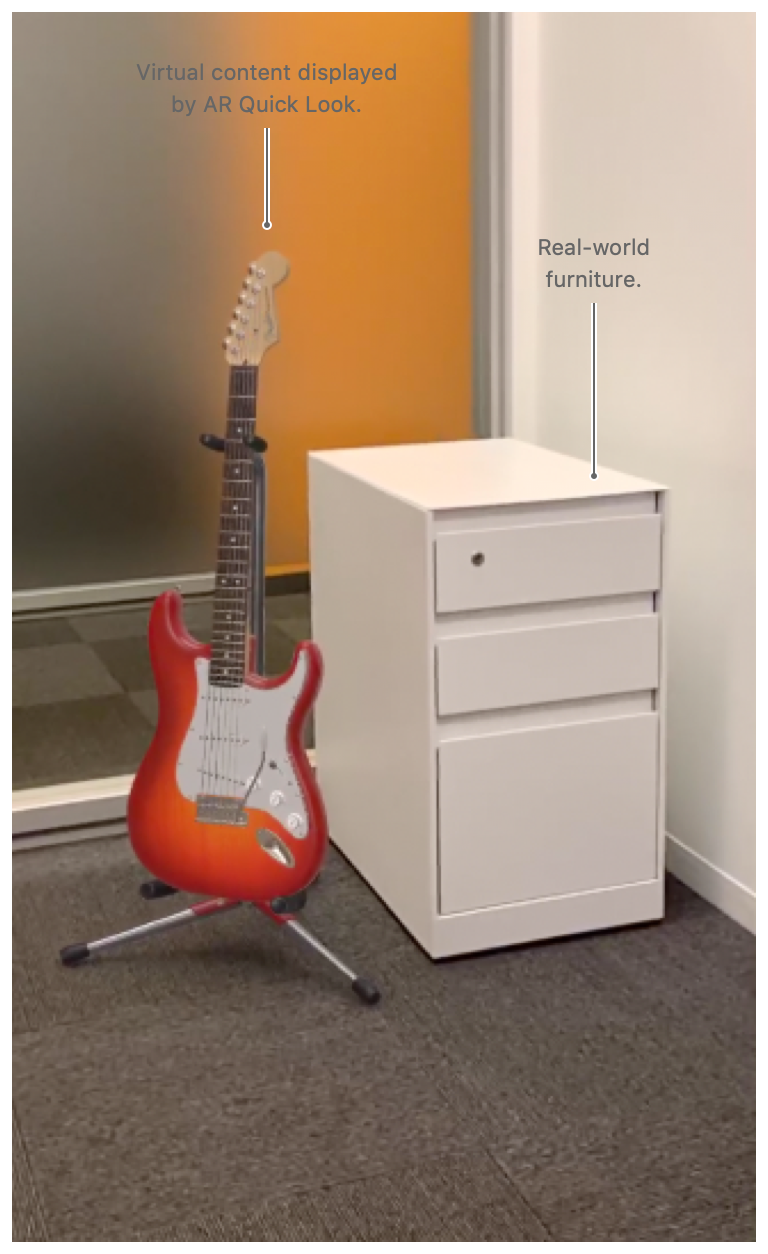
Polyverse enables you to view your 3D assets using a compatible Augment Reality (AR) viewer.
¶ Creating AR Compatible Assets
All mesh assets uploaded to the Polyverse are by default automatically processed to be viewable in compatible viewers.
If your do not see the "AR" button on your asset's page, open the 'Edit' page and make sure that the toggle switch next to 'AR Enabled' is enabled and green.
The owner of the asset library may choose to disable extended reality features. In this case, the toggle will not be visible.
¶ Compatible Devices
The following devices are currently known to be compatible with the Polyverse. More devices may be compatible, however, not on our official list of certified AR devices.
- Apple iPhone
- Apple iPad